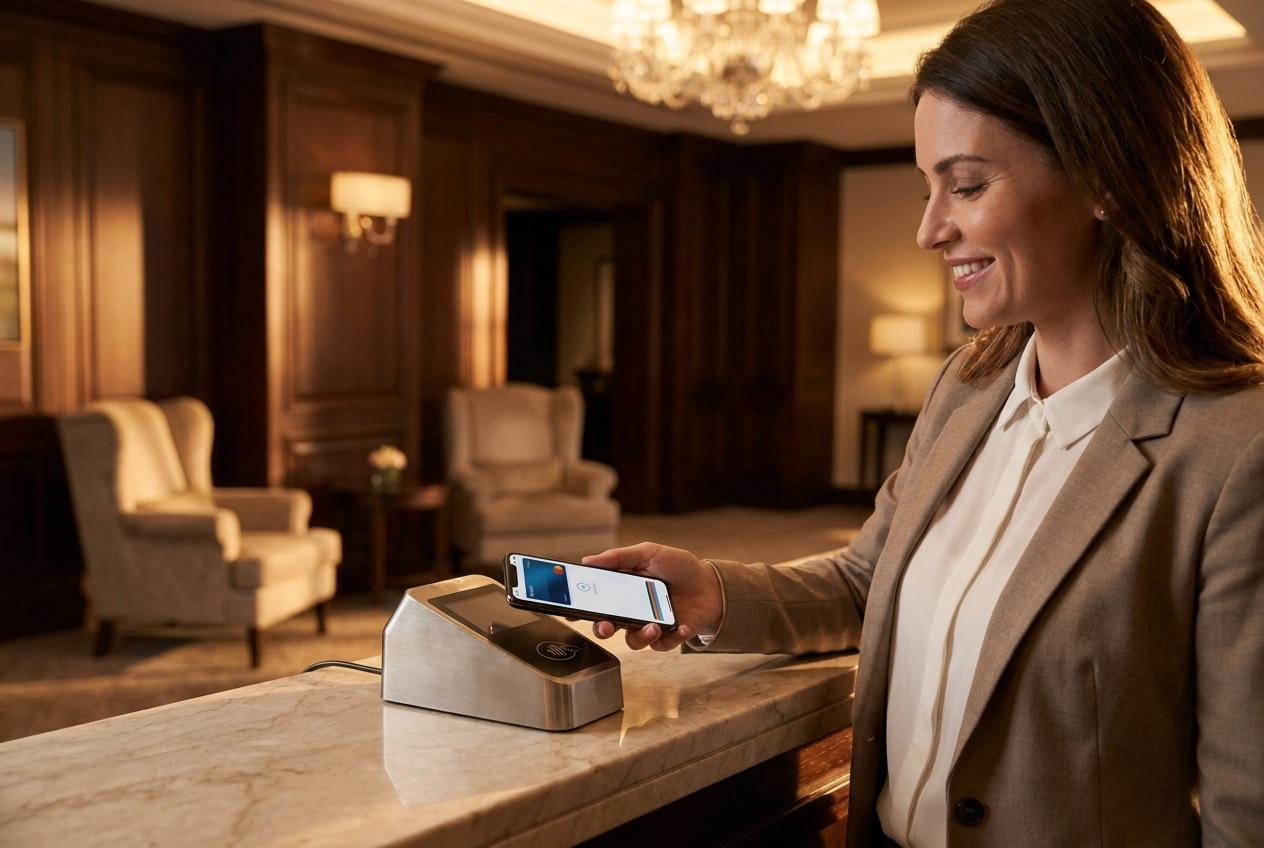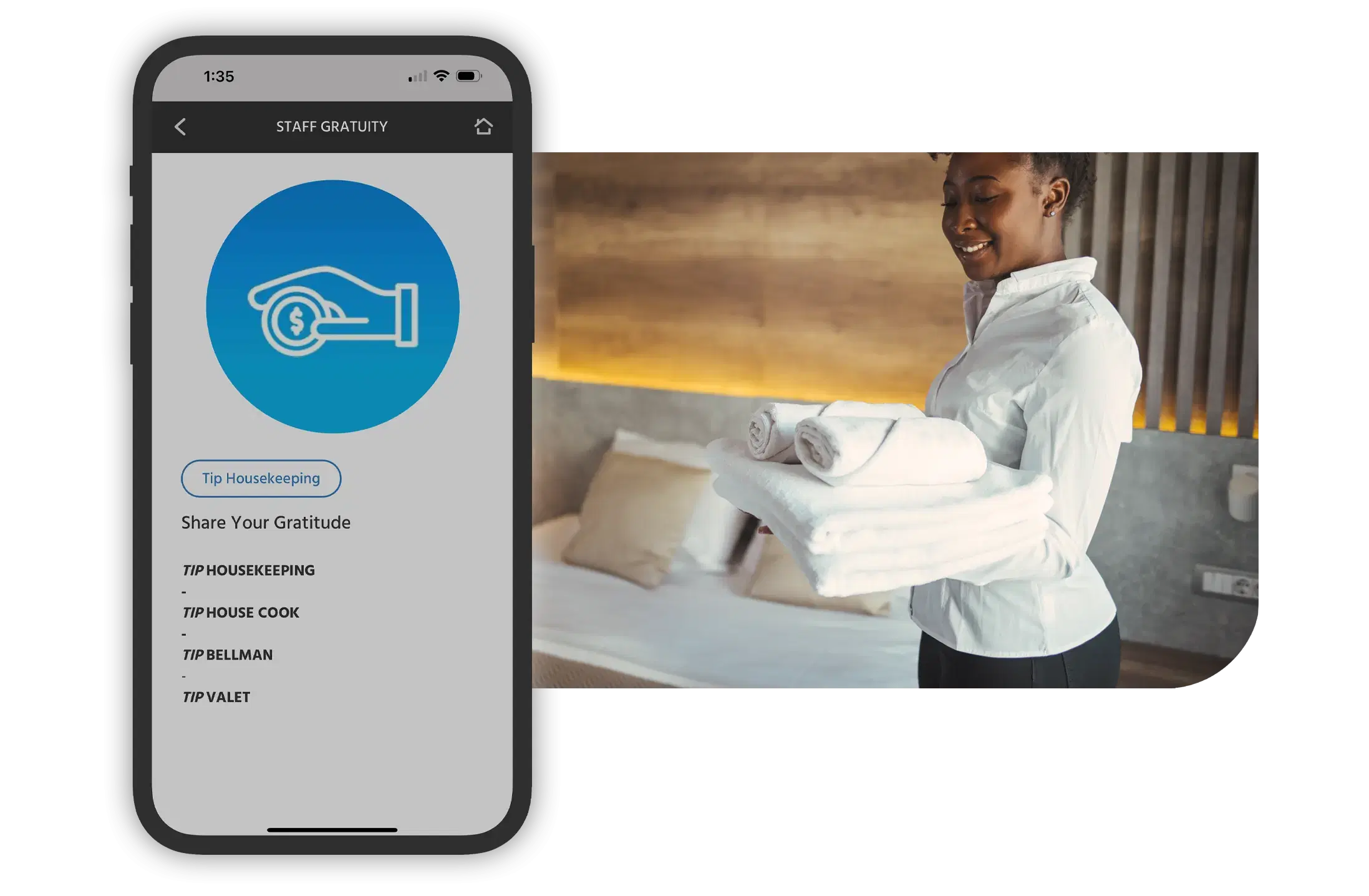
Tip with the wallet already on your phone - Apple Pay, Google Pay, or card
Guests scan a staff member's personal QR code, land on that employee's tipping page in the browser, and pay with Apple Pay, Google Pay, or a card - no app to download and no card number to type. Every tip is attributed to the named person who delivered the service and paid out through payroll.

Most guests already keep a card in Apple Pay or Google Pay, so tipping should feel as familiar as buying a coffee. After a guest scans a staff member's code, the tipping page detects a supported wallet and shows the pay button instantly - one tap, a quick Face ID or passcode confirmation, and the tip is done. No card typing, no sign-up, no fumbling for cash.
See how it works step by step
Guests point their phone camera at a staff member's personal QR code and their tipping page opens in the browser.
Suggested amounts make it quick to pick a tip, or the guest enters their own - all on the employee’s named page.
Guests tap Apple Pay or Google Pay, or pay by card in the browser, and confirm with Face ID, Touch ID, or a passcode.
The wallet button appears automatically on supported phones for a one-tap tip.
The tipping page opens in any browser - nothing to install and no card number to enter.
Guests confirm with Face ID, Touch ID, or a passcode, just like any store purchase.
Each personal QR code routes the tip to the exact employee who earned it.
Tip individuals or route into a shared pool split evenly or by percentage.
Staff track their earnings; operators see gratuity volume and trends.
Apple Pay, Google Pay, and card checkout in the browser, QR code scanning, per-staff attribution, group and pooled tipping, staff dashboards, and gratuity analytics are all live today. Payments run through a PCI-certified processor, funds settle to the property's Stripe account in one to two business days, and tips are paid to staff through payroll.
On our roadmap: Something the industry hasn't seen yet. Digital tipping that gets as close to the feel of paper tipping as possible. Talk to us about what's coming.
Digital wallet tipping is one part of digital tipping for hotels. Dig into the related pieces, or see the product and book a demo.

With NexGen, the entire InterContinental Miami experience is at your fingertips! Simply scan the QR code to access everything from menus and in-room dining to valet requests—all in five languages. The ultimate convenience, right in the palm of our guest hands.
.0xmd--vl5-u6i.png&w=640&q=75)
Gina Genna
Director of Marketing
InterContinental Miami Hotel

From enhanced staff coordination to smoother guest communication, the impact has been massive – one of our biggest operational wins of 2023 boosting efficiency, improving guest satisfaction, and driving real results. We're excited to carry this success into 2024 and beyond.

Jeremy Zuber
Resort Manager
Round Hill Hotel & Villas

We are able to promote and sell our yoga and meditation classes and our drive-in movies without spamming them with text. NexGen Guest has helped us inform the guest pre-arrival and inform and promote all activities on property

Natasha Matekha
Sales & Marketing
Hollywood Roosevelt

We are not taking full advantage of that, but we do have a link in the compendium for our Mercantile shop and Guests click shop now. The data shows that it definitely drives revenue in our e-commerce store via the compendium

Jennifer De Vito
Marketing & Communications
Post Ranch Inn, Big Sur
NexGen Guest turns a familiar phone gesture into a tip: guests pay with the wallet they already carry, backed by a PCI-certified processor, per-staff attribution, group and pooled tipping, staff dashboards, and gratuity analytics, proven in enterprise resort deployments and built for multi-property operations.
Digital wallet tipping lets a hotel guest tip a staff member using the payment wallet already on their phone - Apple Pay or Google Pay - or a card, right in the mobile browser. The guest scans the employee's personal QR code, their tipping page opens, and checkout completes with a tap or a face scan. There is no app to download and no card number to type.
Yes. NexGen Guest supports Apple Pay and Google Pay alongside standard card payments. When a guest reaches a staff member's tipping page, the wallet button appears automatically on a supported phone, so tipping takes a single tap and the guest confirms with Face ID, Touch ID, or their device passcode.
Yes. Payments run through a PCI-certified processor, and digital wallets add their own protection: the card number is never shared with the property, and each transaction is confirmed on the guest's own device with biometrics or a passcode. Guests tip without exposing card details, and the property never handles raw card data.
No. Scanning the QR code opens the tipping page in any mobile browser, so there is nothing to install. On a supported phone, guests pay with Apple Pay or Google Pay in one tap, and even a card payment is a quick browser checkout - removing the card-typing step that causes most mobile tipping drop-off.
Every employee has a personal QR code, so a wallet or card tip is attributed to that named person the moment the guest scans and pays. Tips are captured through the property's payment processor and paid out to staff through payroll, and each employee sees their earnings in a personal dashboard.
Yes. Digital wallet and card tips settle to the property's own Stripe account, typically in one to two business days, and are then paid to staff through payroll. Operators also get gratuity analytics across the property, so tip volume and trends stay visible.
See how NexGen Guest lets guests tip in one tap with Apple Pay, Google Pay, or card - no app to download.
Book a Demo