Contact Us
Step by step

How Does Hotel Digital Tipping Work?

A simple, step-by-step look at cashless gratuities

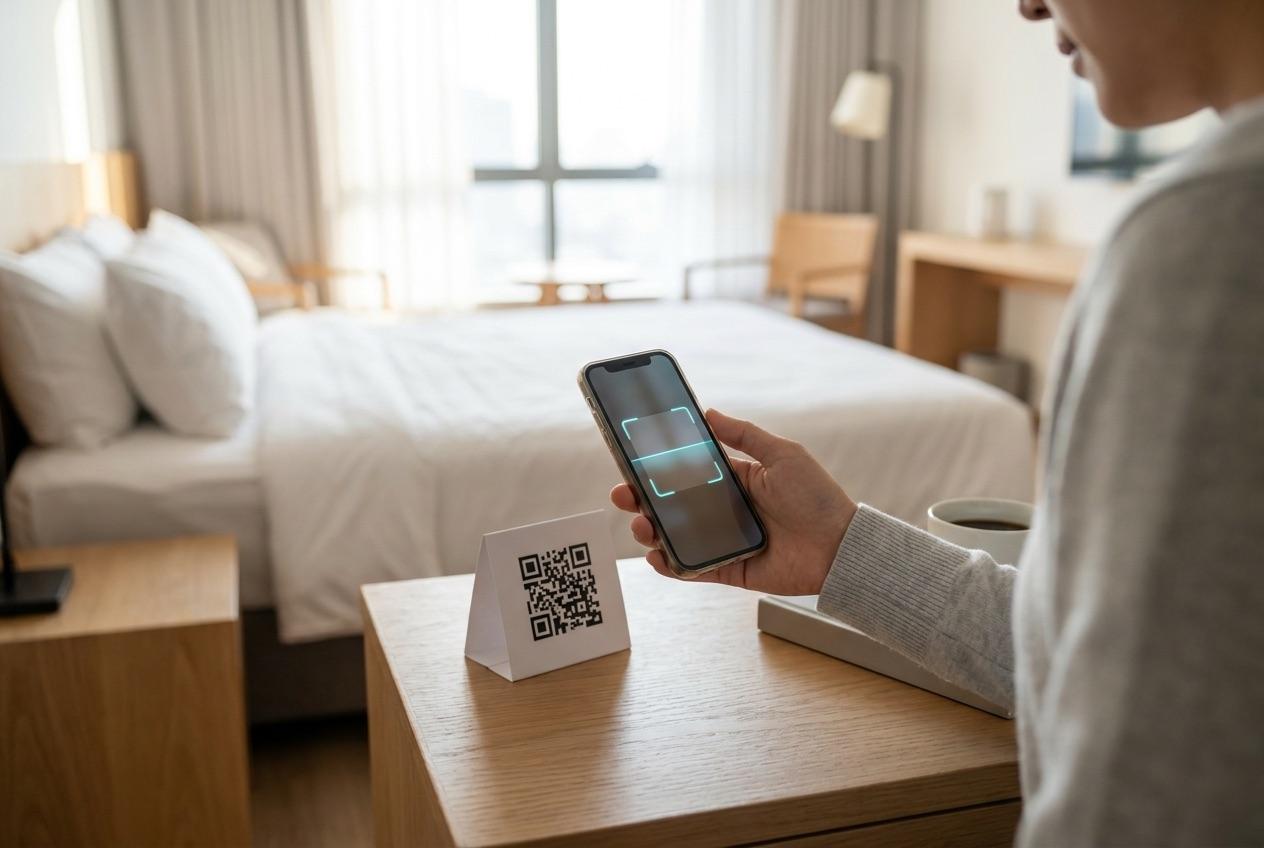
A guest scans a staff member's QR code, picks an amount, and pays with a card, Apple Pay, or Google Pay. The tip is attributed to that named employee and paid out through payroll - no app to download.

ScanTip in the browserPaid through payroll
Hotel guest scanning a QR code to tip staff from a phone browser
No app to download

What happens behind the scenes

When a guest pays, the property's payment processor captures the tip and settles it to the merchant account. From there, the gratuity is paid to the staff member through payroll, with scheduled earnings exports and per-employee detail. Each employee sees the money land on a personal dashboard - today, this week, and this month - so take-home pay stays transparent from start to finish.

See digital tipping for hotels
The NexGen Guest digital tipping product
How it works

Three steps, start to payout

01
Scan to tip

Scan a QR code

The guest scans a staff member's personal QR code or opens a tipping link - no app, no login.

02
$5$10$20
Pay $10
Apple Pay · Google Pay · Card

Choose an amount and pay

The page opens in the browser with suggested amounts, paid by card, Apple Pay, or Google Pay.

03
Tip sent
Paid to your staff via payroll

The right person gets paid

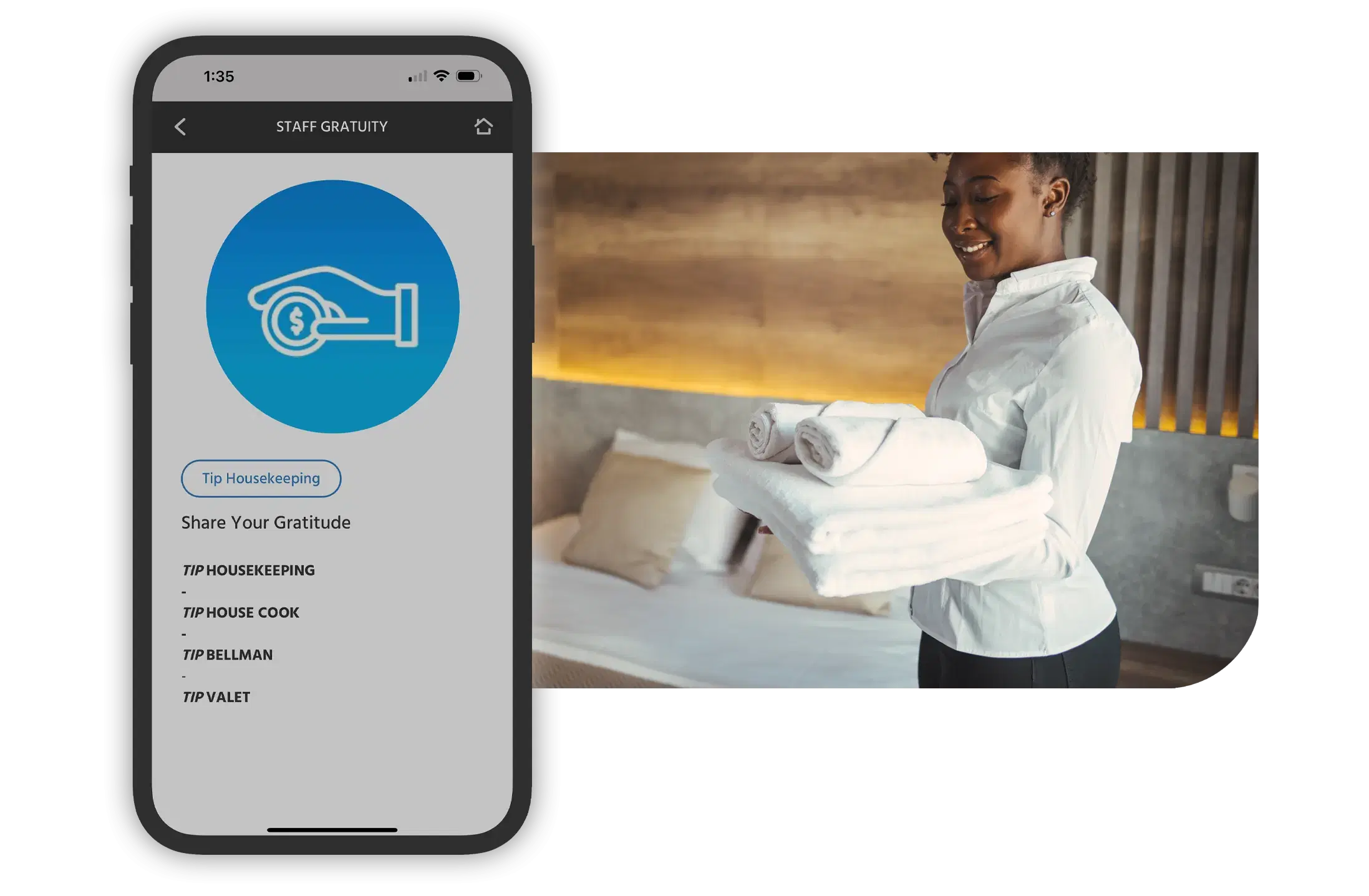
The tip is attributed to that named employee and paid out through payroll.

Coverage

Who it works for

The same three-step flow works across every department. Housekeeping and room attendants, valet, bell staff, front desk, restaurant and F&B, and spa teams can each have their own QR code, so tips always reach the person who delivered the service. For the full product overview, see digital tipping for hotels. To dig into the parts that make the flow frictionless, explore QR code tipping and no-app tipping.

What's live today, and what's coming

Live today: Powerful digital tipping for modern hospitality.

Coming soon:
Something is coming.
Not yet seen in the industry.
A digital tipping experience that comes as close to paper tipping as possible.

Mimaii Logo

With NexGen, the entire InterContinental Miami experience is at your fingertips! Simply scan the QR code to access everything from menus and in-room dining to valet requests—all in five languages. The ultimate convenience, right in the palm of our guest hands.

Gina Genna

Gina Genna

Director of Marketing
InterContinental Miami Hotel

Round Hill Logo

From enhanced staff coordination to smoother guest communication, the impact has been massive – one of our biggest operational wins of 2023 boosting efficiency, improving guest satisfaction, and driving real results. We're excited to carry this success into 2024 and beyond.

Jeremy Zuber

Jeremy Zuber

Resort Manager
Round Hill Hotel & Villas

Hollywood Roosevlt

We are able to promote and sell our yoga and meditation classes and our drive-in movies without spamming them with text. NexGen Guest has helped us inform the guest pre-arrival and inform and promote all activities on property

Natasha Matekha

Natasha Matekha

Sales & Marketing
Hollywood Roosevelt

Post Ranch Inn

We are not taking full advantage of that, but we do have a link in the compendium for our Mercantile shop and Guests click shop now. The data shows that it definitely drives revenue in our e-commerce store via the compendium

Jennifer De Vito

Jennifer De Vito

Marketing & Communications
Post Ranch Inn, Big Sur

FAQs

Hotel digital tipping works in three steps: a guest scans a staff member's personal QR code (or opens a tipping link) in their phone browser, chooses an amount, and pays with a card, Apple Pay, or Google Pay. The tip is attributed to that named employee and paid out through payroll. There is no app to download and nothing to install.

Guests pay on the web. After scanning the QR code, the employee's tipping page opens in any mobile browser with clear suggested amounts. The guest picks an amount and pays with a card, Apple Pay, or Google Pay in seconds - no cash, no app, and no account to create.

The tip is captured through the property's payment processor and paid to the staff member through payroll. Each employee also sees a personal dashboard with today's, this week's, and this month's earnings and per-tip detail, so take-home pay is transparent and easy to track.

No. The whole experience is URL-based and runs in any mobile browser, so guests never download or log into an app. This no-app, browser-based flow removes the biggest drop-off point in mobile tipping and works from any network.

Every employee has their own QR code and tipping link. When a guest scans that code, the payment is routed to that specific person automatically, so the gratuity always reaches whoever delivered the service. Tips can also be split across a shared pool distributed evenly or by configured percentage.

Yes. Guests can tip an individual, tip several team members in one go, or contribute to a pooled tip that is distributed across an eligible team. Pooled tips are shared evenly or by percentage in per-pay-period batches, so allocation stays fair and consistent with your policies.

See the flow for yourself

Walk through the guest-to-payout experience and see how NexGen Guest gets more tips to your staff, with no app for guests to download.

Book a Demo